RAW Vault
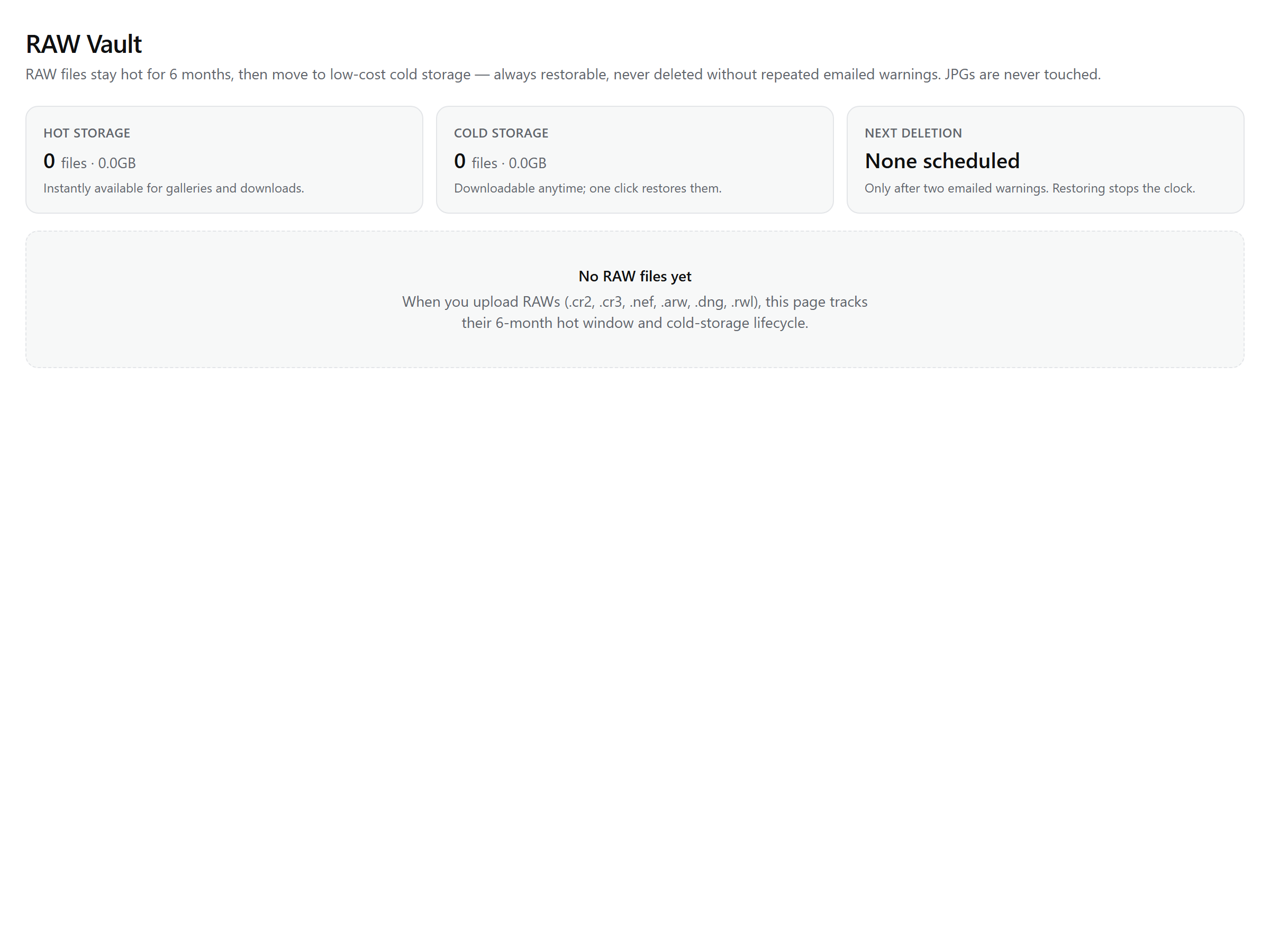
The RAW Vault keeps your RAW files hot while you work, then lets them slide into cheap cold storage automatically — still fully downloadable, restorable with one click, and never deleted without warnings you get by email first. You'll find it at Dashboard → RAW Vault.
The lifecycle
- Hot for 6 months. Every RAW you upload stays in fast storage, ready to open and deliver from. Nothing to do, nothing to remember.
- A heads-up at month five. About 150 days after upload you get one email listing what's approaching the end of its hot window and when it will move.
- Archive to cold storage. After the 6 months, the files move to R2 Infrequent Access — slower to first byte, far cheaper, and every bit still there. Downloads work exactly as before.
The move runs itself in a daily sweep — there is no manual archiving and no way to get it wrong. JPGs, videos, and every other file kind are never touched by the Vault.
Restore and keep hot
Back on a project? One click in the Vault restores archived RAWs to hot storage with a fresh 6-month window — per project or everything at once. For files still hot, the same action is keep hot 6 more months, and it resets the countdown even before the month-five email arrived. Every restore is written to the project's activity trail.
Deletion is never a surprise
Archived RAWs aren't kept forever. The exit is slow and loud: a first warning email at day 60 in cold storage, a final one at day 80, and deletion only at day 90 (plus a grace period after that final email). Two rules harden it:
- RAWs inside a live gallery are skipped — a client's open gallery never loses its files; they're re-checked each run and purged only once unshared.
- Restoring at any point before deletion cancels the countdown completely.
Who sees the Vault
Owners and admins always do. Team members see it only if the studio opts them in under Settings → Team — the panel shows hot and cold totals, a per-project breakdown with each project's next lifecycle date ("Hot until", "Archives on", "Deletes on"), and the earliest upcoming purge.
What it counts against
RAW bytes live in the same storage pool as everything else — they don't have a separate quota. What changes by plan is whether RAW uploads are allowed at all: Lite Lite and above take RAW without a RAW-specific cap, while Free includes a small 3 GB trial pocket (inside its 20 GB pool) so you can feel the Vault before upgrading. The exact numbers are in storage & limits.
Note: The lifecycle emails are branded with your studio and can be muted as a group in notification settings — but read them; they're the purge warnings.