Notifications
Two email streams leave Snap: alerts to you, and email to your clients. The first kind is yours to mute. The second is deliberately not — a gallery link that never arrives is a client who never sees their photos.
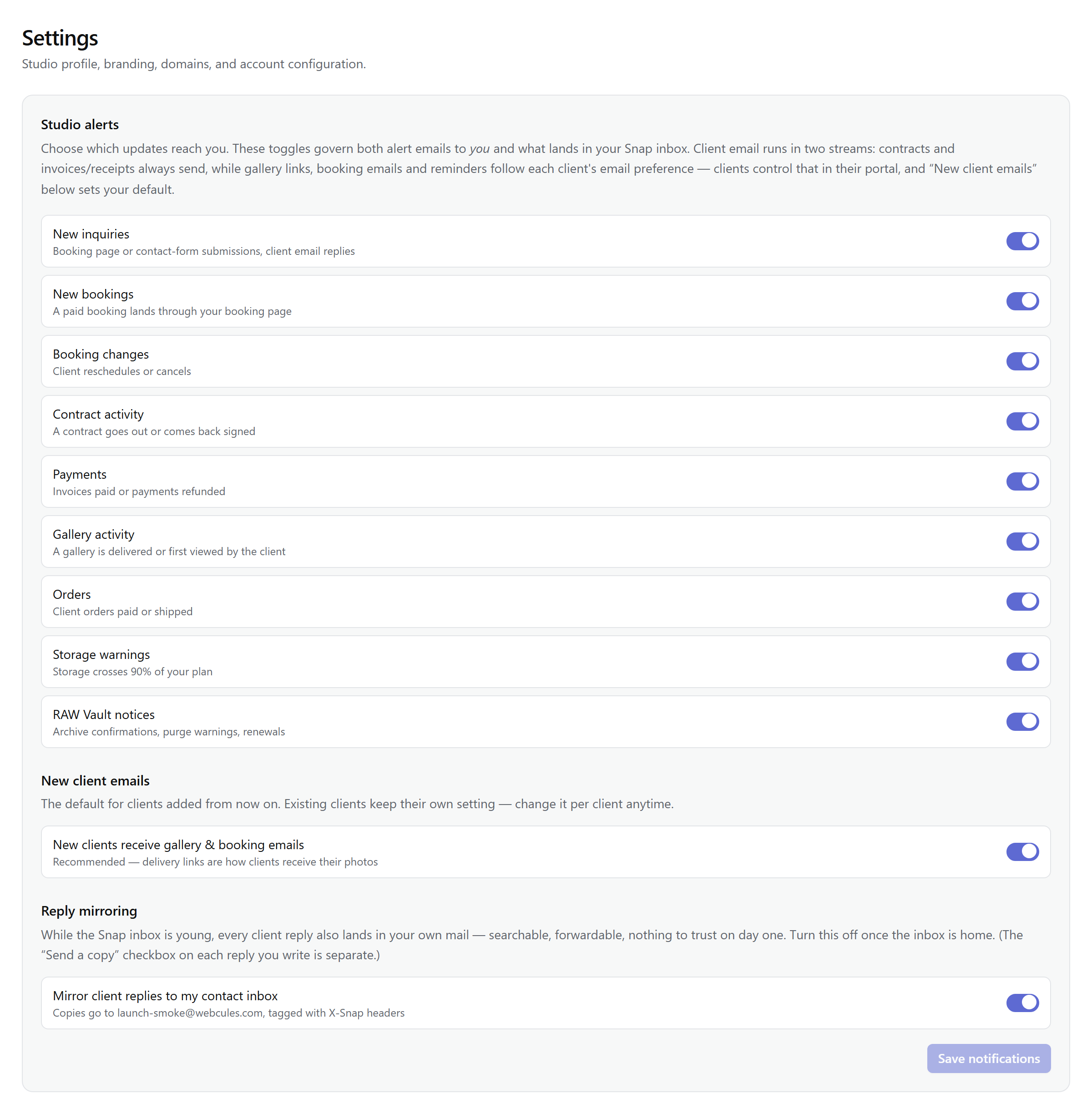
Studio alerts
Settings → Notifications lists nine alerts, all on by default. Each one is an email to your studio's contact address — the inbox you gave when you signed up. Studio admins can flip any of them off; the change applies from the next send onward.
| Alert | Fires when |
|---|---|
| New inquiries | Booking page or contact-form submissions, client email replies |
| New bookings | A paid booking lands through your booking page |
| Booking changes | Client reschedules or cancels |
| Contract activity | A contract goes out or comes back signed |
| Payments | Invoices paid or payments refunded |
| Gallery activity | A gallery is delivered or first viewed by the client |
| Orders | Client orders paid or shipped |
| Storage warnings | Storage crosses 90% of your plan |
| RAW Vault notices | Archive confirmations, purge warnings, renewals |
The stream that never turns off
Nothing above touches client email. Contract signing links, invoices, and receipts always send — no setting in Snap can suppress them, because they're the paper trail of your business, not notifications about it. The studio toggles govern one thing only: whether you hear about it.
The per-client opt-out
Clients can trim the rest themselves. From their client portal, each client can switch off the keep-in-touch email from your studio — gallery links, booking confirmations, and delivery notices (booking reminders and reschedule or cancellation notices included). Two things stay true when they do: the gallery itself stays live and visible in their portal — only the notification email stops — and the change takes effect on the next send. There's no queue to drain.
Your one control over it is the default. The New client emails section of the same settings page holds a single toggle — New clients receive gallery & booking emails — which sets the starting state for client records created from now on. Existing clients keep their own setting regardless; nothing you do here overrides a choice they already made.
Muting yourself is not muting them