Booking page
Your booking page is a standalone link — /b/your-studio — that works with no website at all. Put it in your Instagram bio, your email signature, anywhere a client might look. They open it, pick a session and a time, pay the deposit, and the booking lands in your calendar with the client and project created for you.
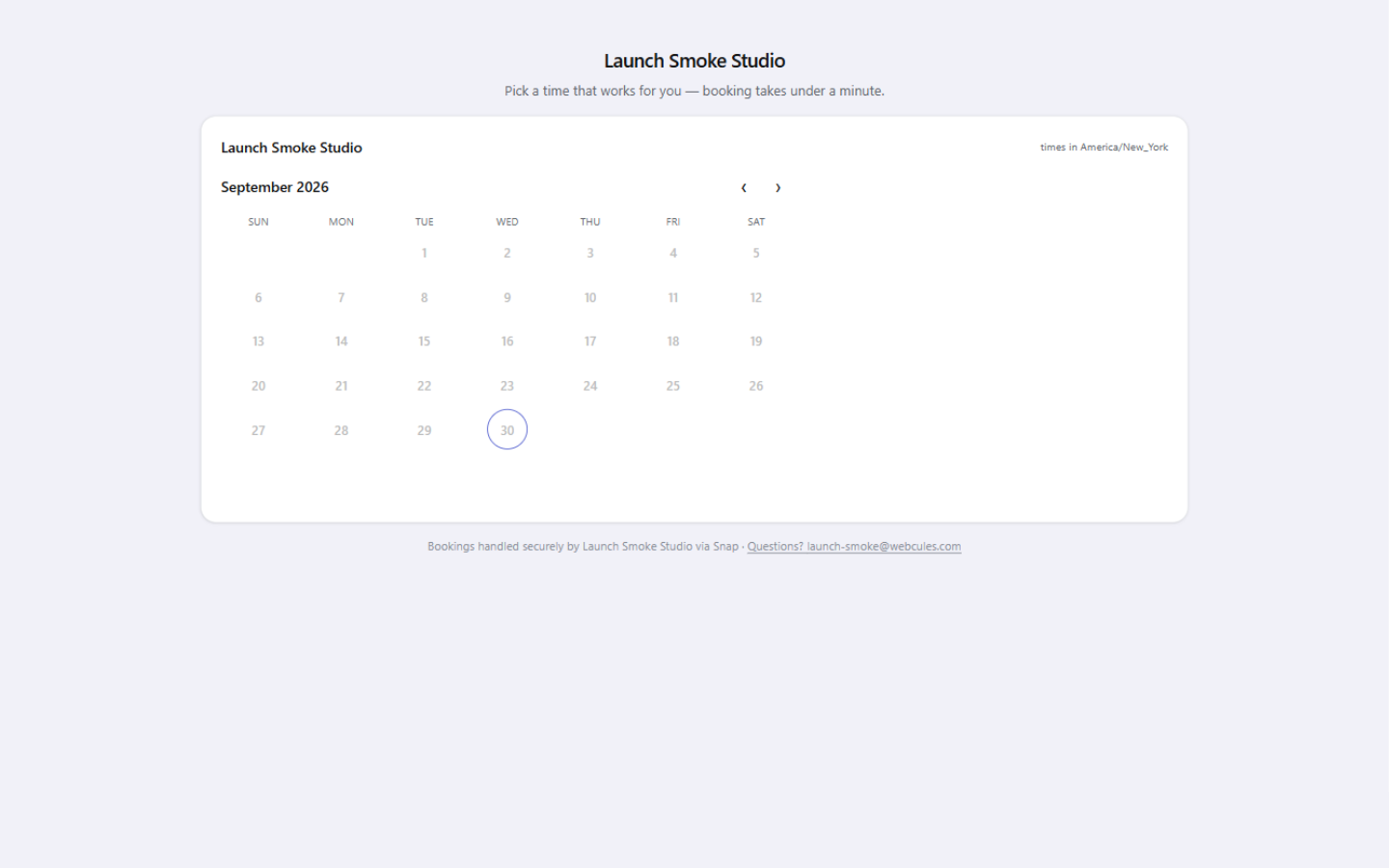
One link, no website needed
The link lives in Settings → Embeds under Public booking link, with copy and open buttons right next to it. The page carries your logo, accent, and font automatically — theming follows your studio brand set in Settings → Brand. Search engines are told to skip it: anyone with the link books freely, but the page itself is not indexed.
What clients see
- Choose your session — with two or more session types the page opens on a picker showing each type's duration and price. Exactly one type applies silently; none shows a plain calendar.
- Pick a time — the same open slots your calendar holds: weekly hours minus blackout dates minus existing bookings, with your lead time and booking horizon applied. Times show in your studio's timezone.
- Leave their details — name, email, phone, and any questions you attached to the session type. A Cloudflare Turnstile check runs in the background.
- Pay, if you ask them to — when a deposit or full payment is required (on the session type or your booking settings), they finish through Stripe Checkout while the slot is held.
- Get confirmed — a branded confirmation email with a calendar invite attached and a Manage your booking link. See Managing bookings.
The page embeds exactly the same calendar as the website embed — identical availability engine, bot protection, and double-book guard — so the calendar behaves the same wherever a client meets it. Below the calendar sit your intro, an FAQ under the heading Good to know, your social links, and a secure-booking footer with your contact email. On Studio and above the footer's "via Snap" steps aside.
Make it yours Lite
The Booking page card in Settings → Embeds is a designer for every word on the page, with your real page as a live preview beside the fields:
- Hero — a title (shown when no logo is set) and a subtitle; empty fields keep the defaults, like "Pick a time that works for you — booking takes under a minute."
- Intro — an optional heading and a couple of lines about your process, rendered in a card under the calendar.
- FAQ — up to eight question-and-answer pairs, shown as collapsibles that work without JavaScript.
- Social links — up to five pills: Instagram, Facebook, TikTok, website (https links only), or email.
- Thank-you — the title and body on the confirmation screen clients land on after paying.
Design is a Lite feature
Note: Nothing is drafted at you: fields stay empty until you write them, and saving flips the live page immediately.
Session types drive the page
Everything clients choose from comes from your session types, managed under Templates → Session types: duration, price, deposit, and the booking questions each type asks. You can deep-link straight into one type with /b/your-studio?type=family-portrait — useful when one link should sell exactly one thing. Free includes one session type, Lite three, Studio and above unlimited; see Plans & tiers.