Transactions & refunds
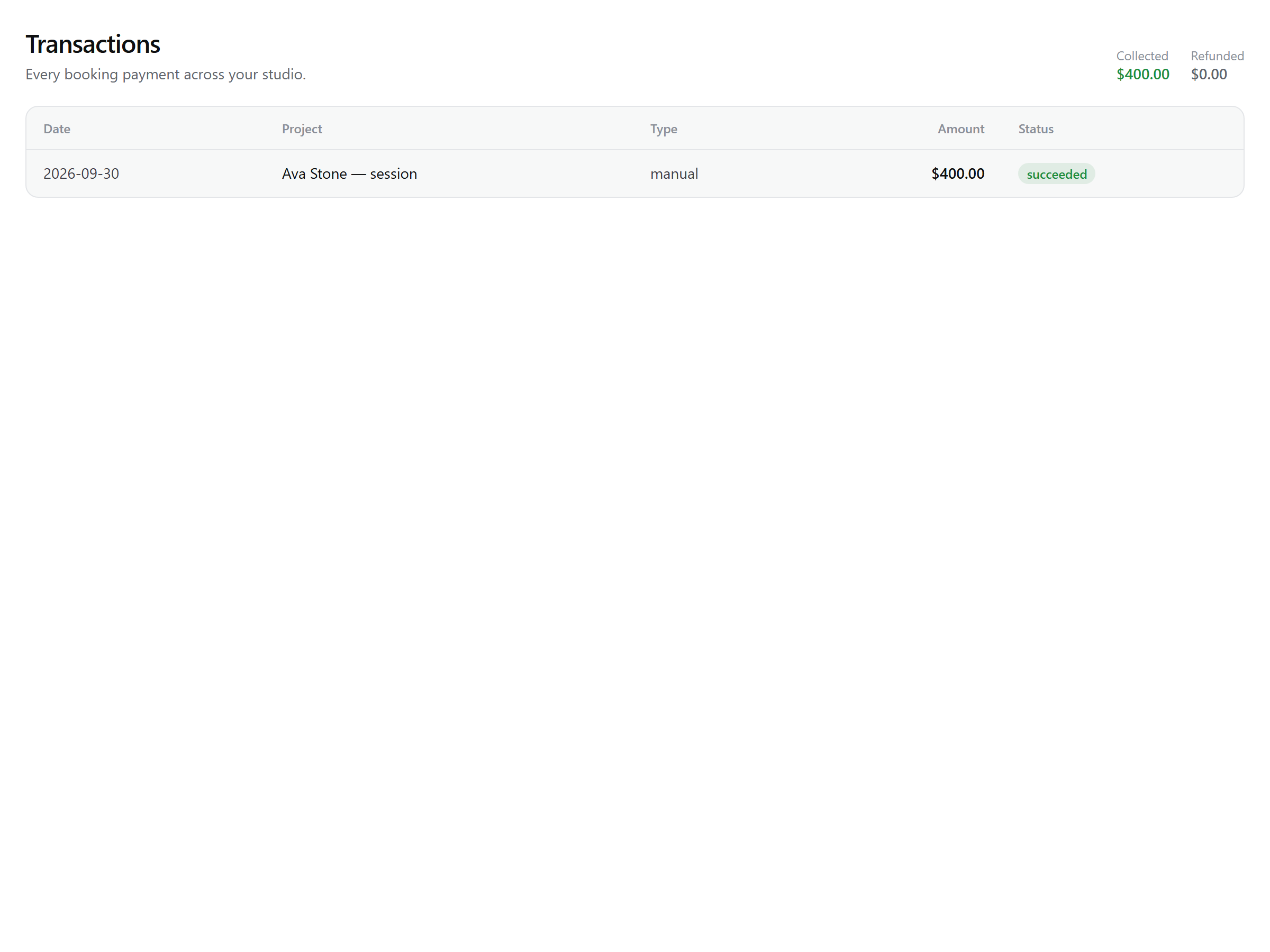
Dashboard → Transactions is the one ledger for every payment your studio has taken — booking deposits, invoice payments, and manual entries — with totals for collected and refunded across all of it. It's the audit trail of your money, owner-only.
Reading the ledger
Each row shows the date, the linked project (click through to it), the type — booking, invoice, or manual — the amount, and a status. Refund and void actions live on the project's Payments & invoices tab, right next to the row.
| Status | What it means |
|---|---|
| succeeded | Money collected. Card payments land here when Stripe's webhook confirms them; manual entries are recorded here. |
| pending | A payment started but not yet confirmed by Stripe's webhook — brief, and rare to catch. |
| failed | The card charge failed; no money moved. |
| refunding | You issued a refund and Stripe is processing it — the row confirms to refunded seconds later. |
| refunded | Fully refunded (Stripe refund completed, or a manual entry voided). |
| disputed | The client opened a chargeback with their bank. Refunds are frozen on this payment until Stripe resolves it. |
| dispute_lost | The dispute closed against you — the charge reverses and stays flagged. |
Note: A dispute you win restores the payment to succeeded automatically. Collected and refunded totals count only succeeded and refunded rows, so the headline numbers are always net reality.
Refunds
Refunding a Stripe payment returns it in full to the client's card through Stripe — partial refunds aren't offered. Two guards decide whether the button works:
- Once work has begun, no refund — a project that has moved past Booked (Snapping, Evaluation, Complete, Closed) can't have its payments refunded. A refund is a pre-production remedy.
- Disputes freeze refunds — while a Stripe dispute is open, the money is with the banks.
When a refund does go through, Snap asks one explicit question: delete the project's photos too? Delete now revokes live galleries and removes the uploaded files; keep leaves any gallery links working until they expire. Either way the refund is issued, the booking is canceled and the client emailed — and the project is canceled with it, unless it had already closed.
What a refund does to your money
The refund is processed by Stripe, and the returned amount settles against your Stripe balance — so it reduces what your next payouts carry rather than producing a separate bill. On the ledger the row flips to refunding immediately, then refunded once Stripe confirms, and the refunded total at the top of the page reflects it. See Payouts for where the money sits.